Templates
Templates are used to save a group of measurements in the Workspace for later retrieval in the Data Library or from the Web API. The template definition can save as many as 15 measurements and includes:
-
Begin and End date
-
Time step normalization
-
Gap handling (*Gap handing always includes time step normalization)
Templates are saved as either private or public.
-
Private templates belong to the user that created them and cannot be shared.
-
Public templates can be shared with other users by assigning the Template Role to another users username (see Adding User Roles).
Templates are convenient for retrieving a commonly used group of time series. They are also required for retrieval of data from the Grabdata API.
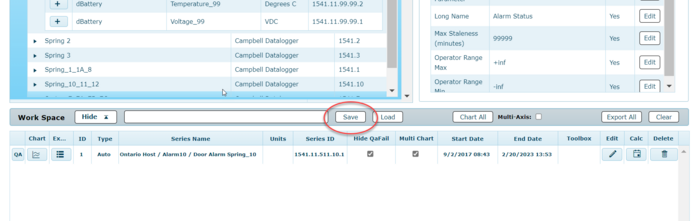
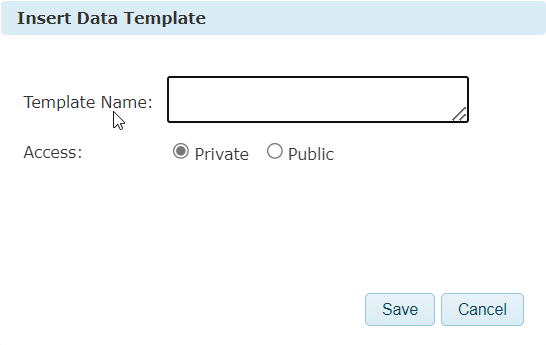
Pressing the Save button at the top of the workspace will open up a form.
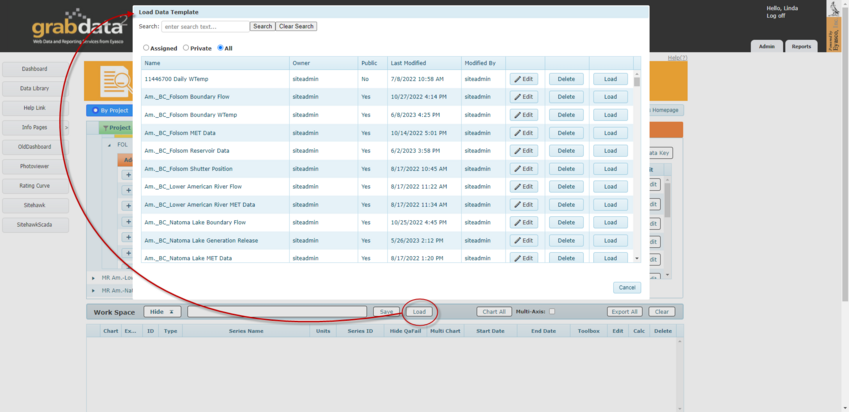
The Load button will load the series with the same dates that were saved.
To update the End Date to the current date, the user can use the Calculate button  to update the start date and the end date of the data series and then open the Edit Series Dates window to reset the date range.
to update the start date and the end date of the data series and then open the Edit Series Dates window to reset the date range.
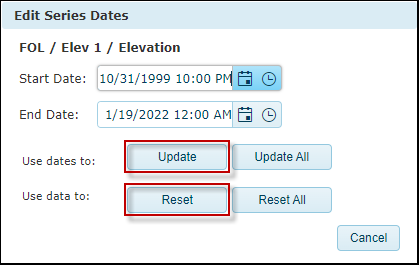
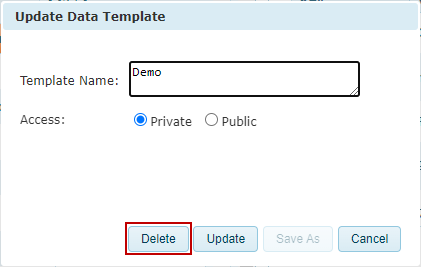
To update and save the template with these selected dates, click on “Save” again and choose the “Update” button. The user can also add a series, delete a series, or edit the workspace however they like by using the “Update” button. Templates can also be deleted with the “Delete” button on the Edit window.