Edit Window
The Edit Series Dates window is used to change the date range of data series in both Workspace and Gap Handling Tool.
 |
The Start Date and the End Date specify the beginning and ending values of the x-axis and the edit button allow you to change those values.
|
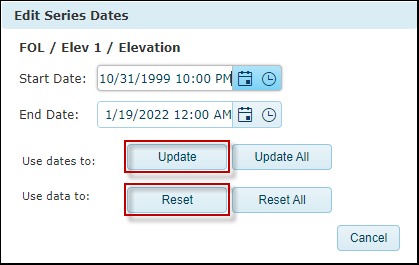
The “Update” and “Reset” buttons are used to set the date range of selected data set. The “Update All” and “Reset All” buttons are used to set all data sets in the workspace.
Example 1, the date range set by “Update”.

Example 2, the date range set by “Update All”.

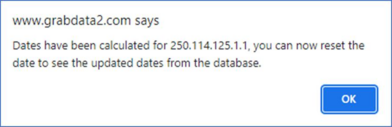
Users can use the Calculate button  to update the start date and the end date of the data series and then open the Edit Series Dates window to reset the date range.
to update the start date and the end date of the data series and then open the Edit Series Dates window to reset the date range.