Editing and Updating Curves
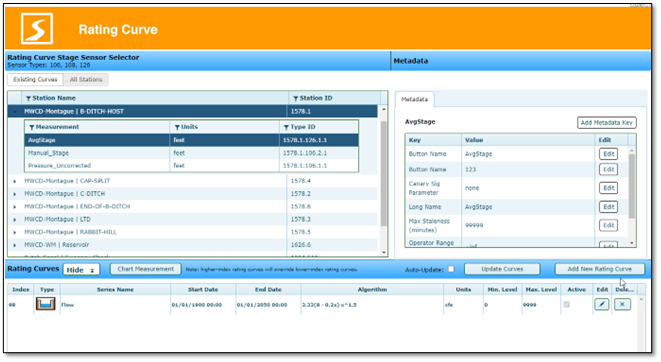
The “Add New Rating Curve” button will create a new rating curve for the selected measurement, and the “Edit” rating curve button allows a user to modify an existing rating curve definition.
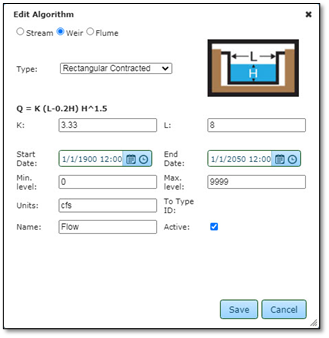
To edit any of these fields after creating a curve, click the edit  button at the end of the row on the right side of the workspace. All of the fields are editable aside from “To Type ID” which is handled automatically for database interaction. This is also where you can activate or inactivate a curve.
button at the end of the row on the right side of the workspace. All of the fields are editable aside from “To Type ID” which is handled automatically for database interaction. This is also where you can activate or inactivate a curve.