
The Projects Directory
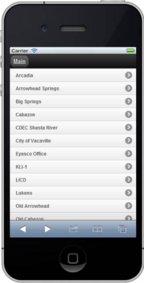
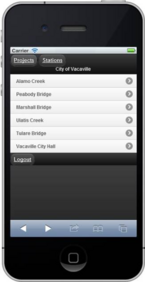
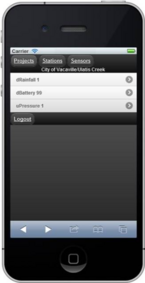
Once you’ve selected the ‘Projects’ button, you will see a listing of your current projects. Selecting a project will give you access to the monitoring stations associated with that project.
Note that when there is an alarm, the color of the project changes color to notify you that there is an active alarm that requires your acknowledgement.
 |
C
|
 |
C
|
 |
|
Project
|
|
Station
|
|
Measure
|