
The Last Alarm
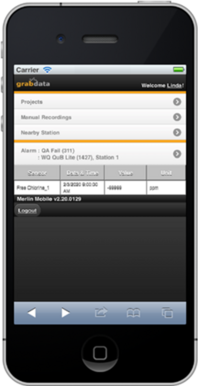
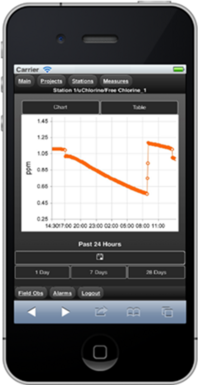
The Last Alarm View shows Date, Time, Value, Unit and Alarm Type for the most recently triggered alarms. Tapping on the link of the Last Alarm will take you to the Measurement visualization window.
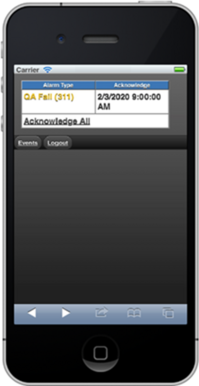
The alarm will be displayed behind the corresponding data. From here you can view the values, add a field observation or acknowledge current alarms.
 |
 |
 |