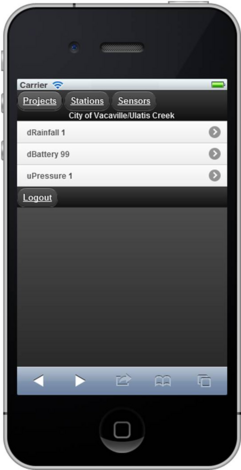
The Nearby Station
The ‘Nearby Station’ button reports information from the nearest monitoring station based on the reported latitude and longitude of the user’s mobile browser.
For example, if your Merlin Mobile latitude and longitude is near Ulatis Creek, clicking on the Nearby Station button will show you the list of sensors from that station, such as in Figure 4. From this point you can click on any sensor to see the measurements.
You must enable the setting for Allow Geolocation in order for the Nearby Station feature to work. On the iPhone the setting is located on Settings->Privacy->Location Services->the browser application.