
Manual Recordings
The Manual Recordings button on the home page will direct the user to a list of projects that have manual measurements associated with them.
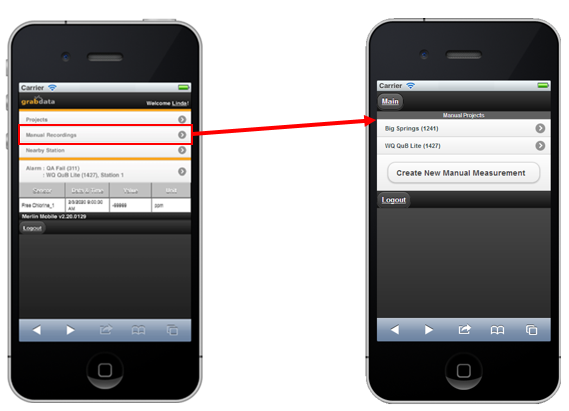
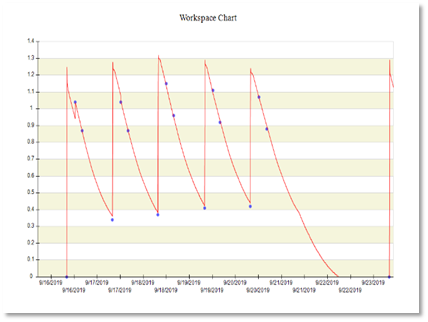
A manual recording is a measurement taken by hand at irregularly spaced intervals – for example a calibration event. Manual recordings will show up as individual data points on charts created in Data Library (see below).
The Create New Manual Measurement button at the bottom of the Manual Projects form will pop-up a form that will ask which project, station, and array-type the new manual measurement will fall under.
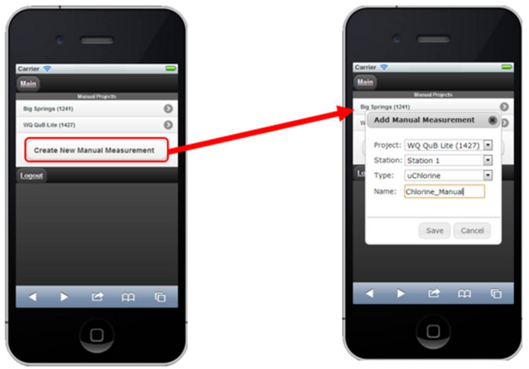
Clicking on “Save” will open a form to select a date, and enter in a value. Select a date by using the built-in calendar that is displayed. The current time will be appended to the end of the date, adjust the time to when the measurement was taken. Clicking Add will add the measurement to the grid and the database.