
Assigning Map Permissions to a User
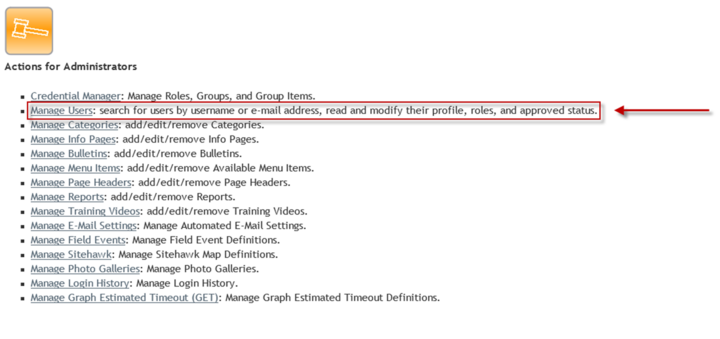
A role will be created every time a map is created. After the map is created, users will need to be assigned this role to view the map. In the Admin Interface, navigate to the "Manage Users" page.
Select a user to assign the new map to. Once on a specific user, the new Map role will appear under the "Maps" section of roles. Check the box next to the new map role and click on the Save button at the bottom of the screen.
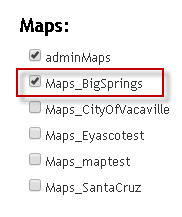
The selected user will now have access to the newly created map on Sitehawk.